
Growfy 4Tabs
Built for real multitasking
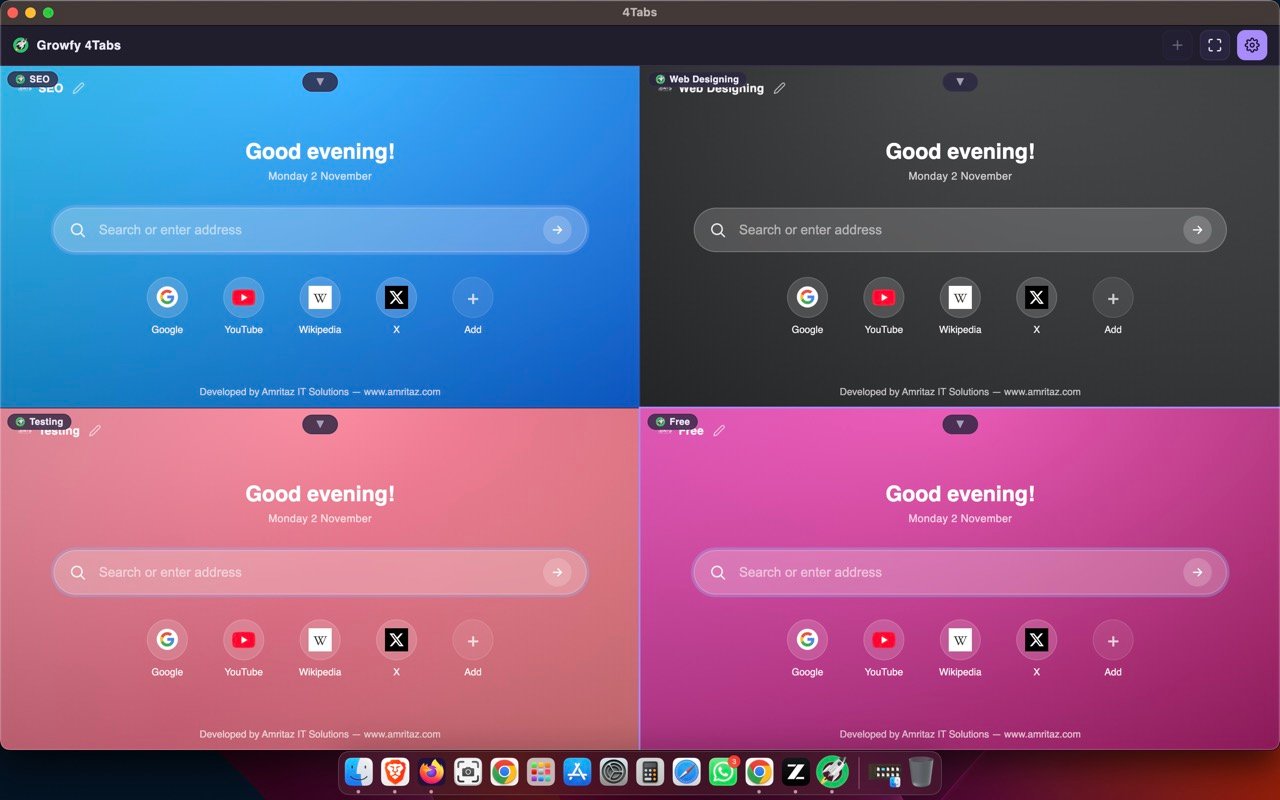
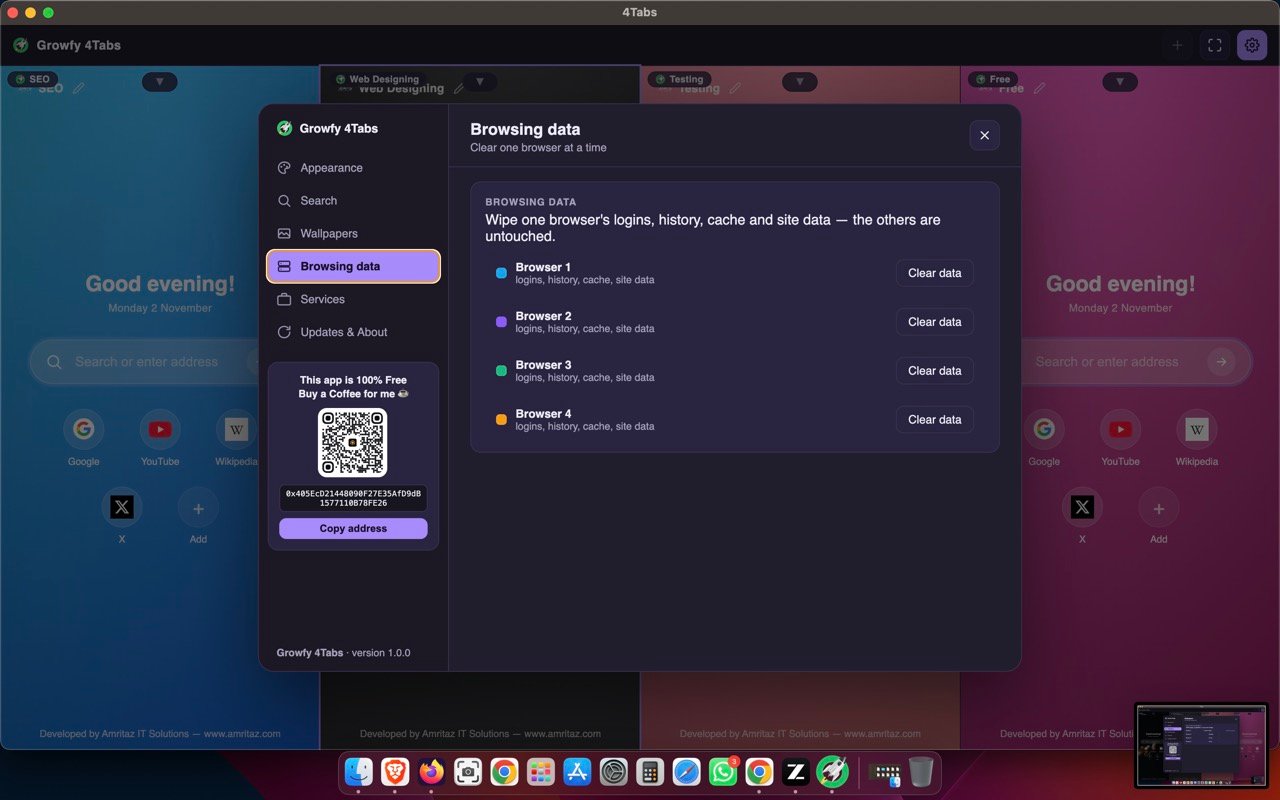
Four Chromium browsers side-by-side — each with its own logins, history and setup.
4 independent browsers
Run four different sessions at once — work, personal, banking, anything — in one tidy grid.
Isolated logins
Each browser keeps its own cookies, logins and history. No cross-contamination.
Name each browser
Give every browser a name (Work, Banking…) shown on its page — rename with one pencil tap.
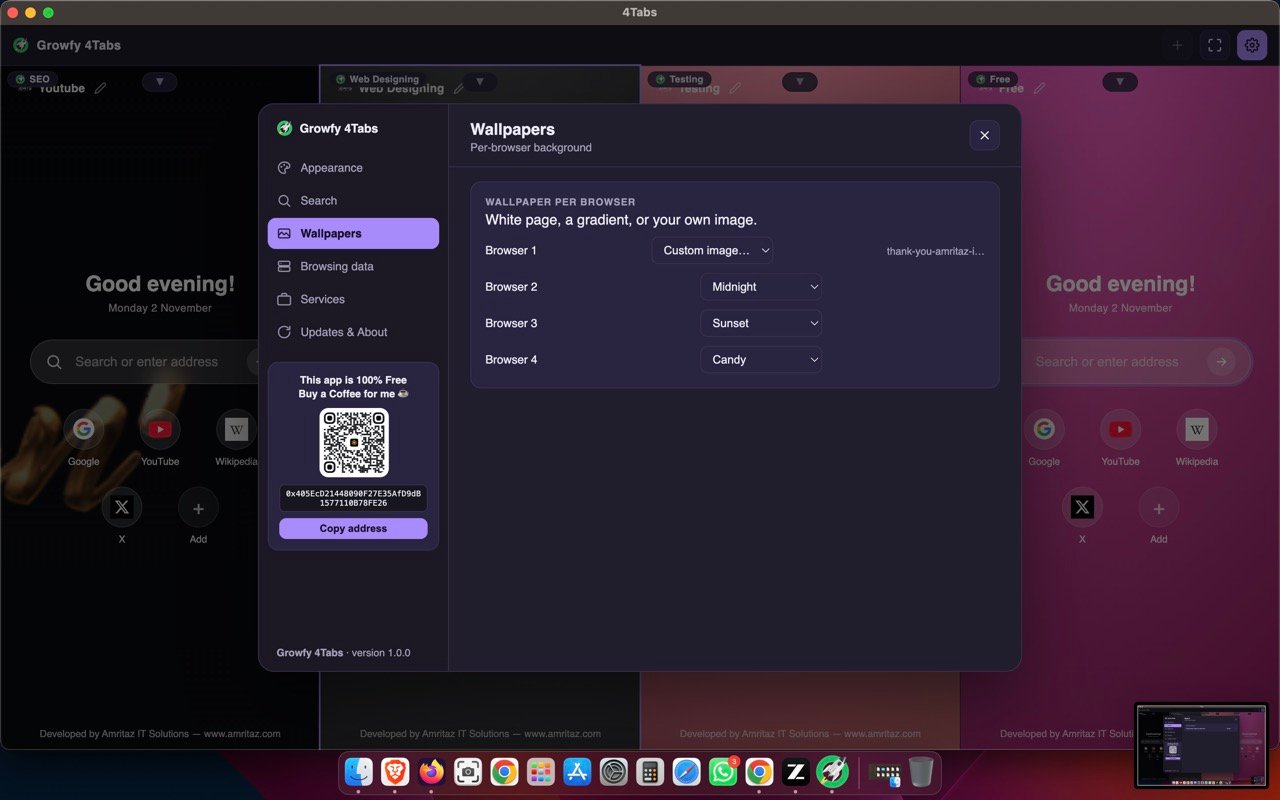
Wallpapers
A gradient, a clean white page, or your own image per browser.
Themes & layouts
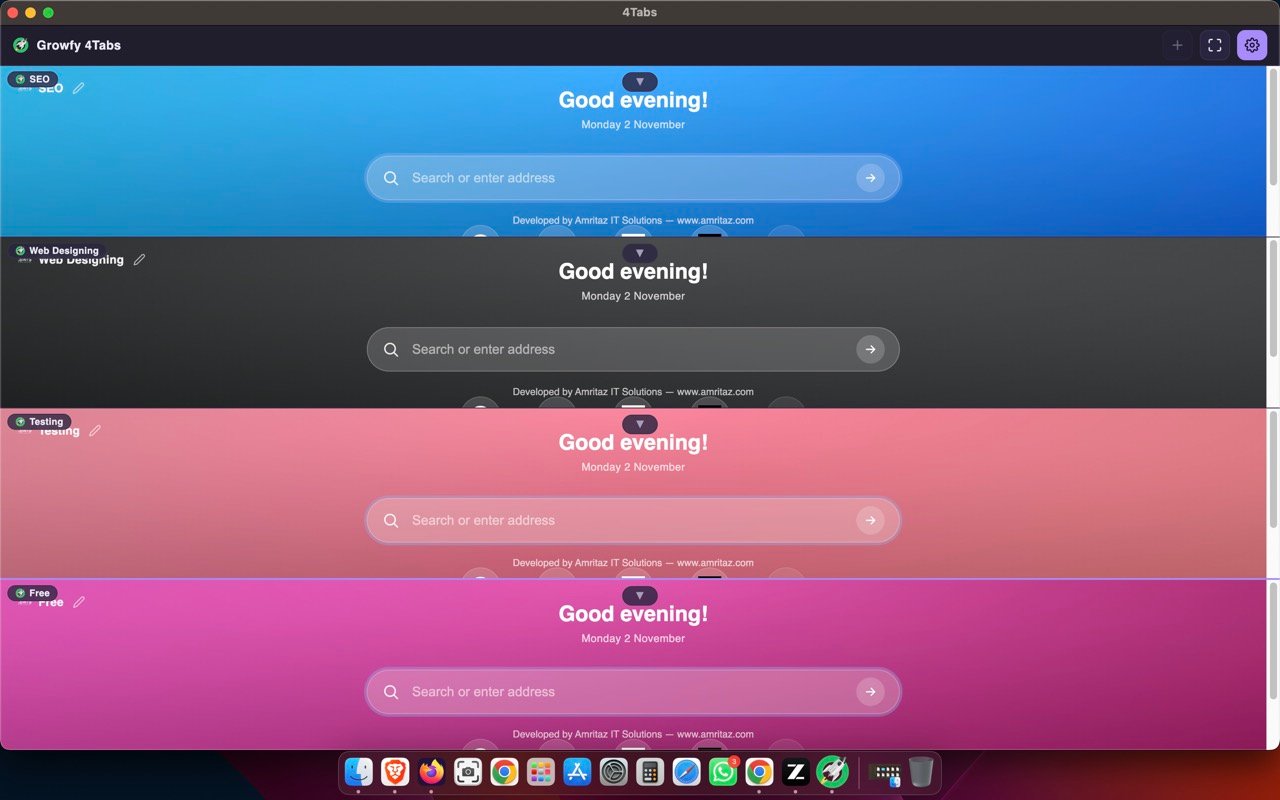
Dark, Light, Amethyst, Ocean, Forest. Arrange as a grid, one row, or one column.
Swipe & shortcuts
Trackpad swipe to go back/forward; Cmd+ to zoom; Cmd+L / Cmd+R and more.
Maximize & resize
Expand any browser to full window, or drag the seams to resize them.
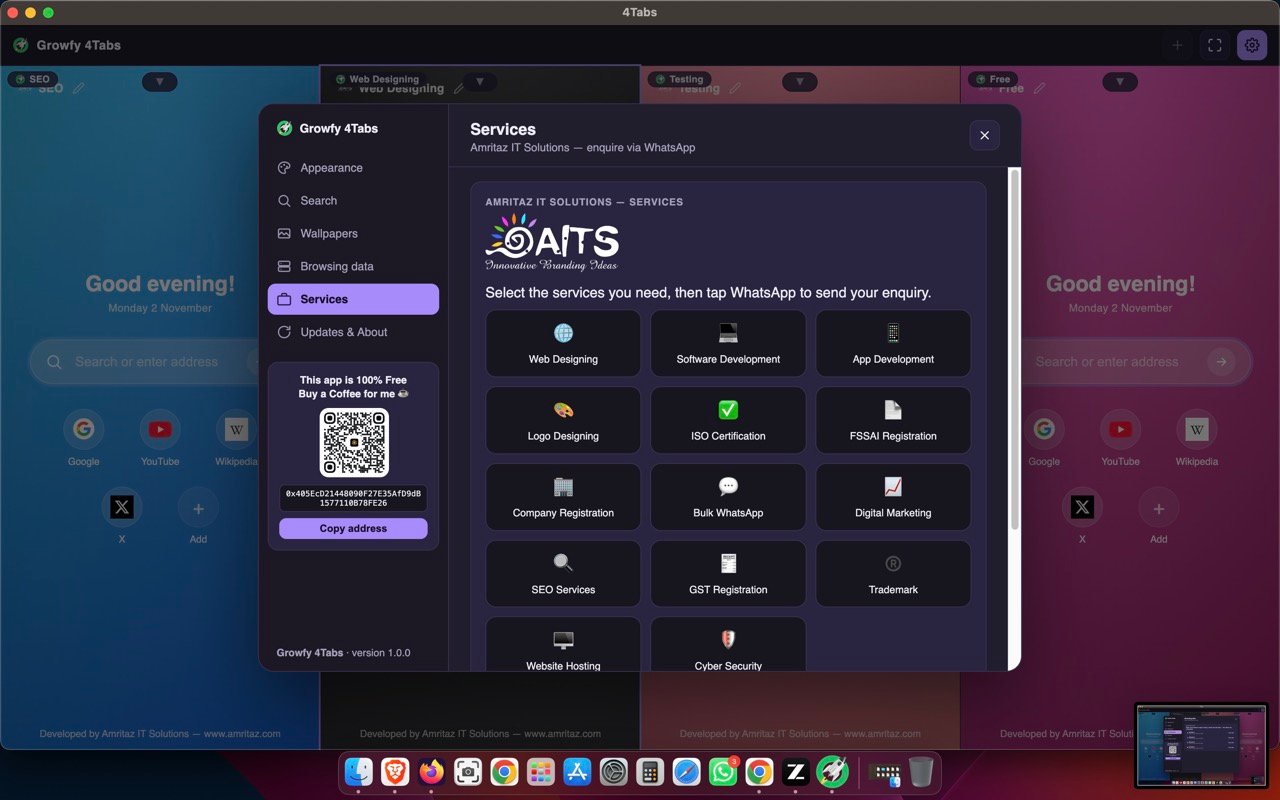
Services tab
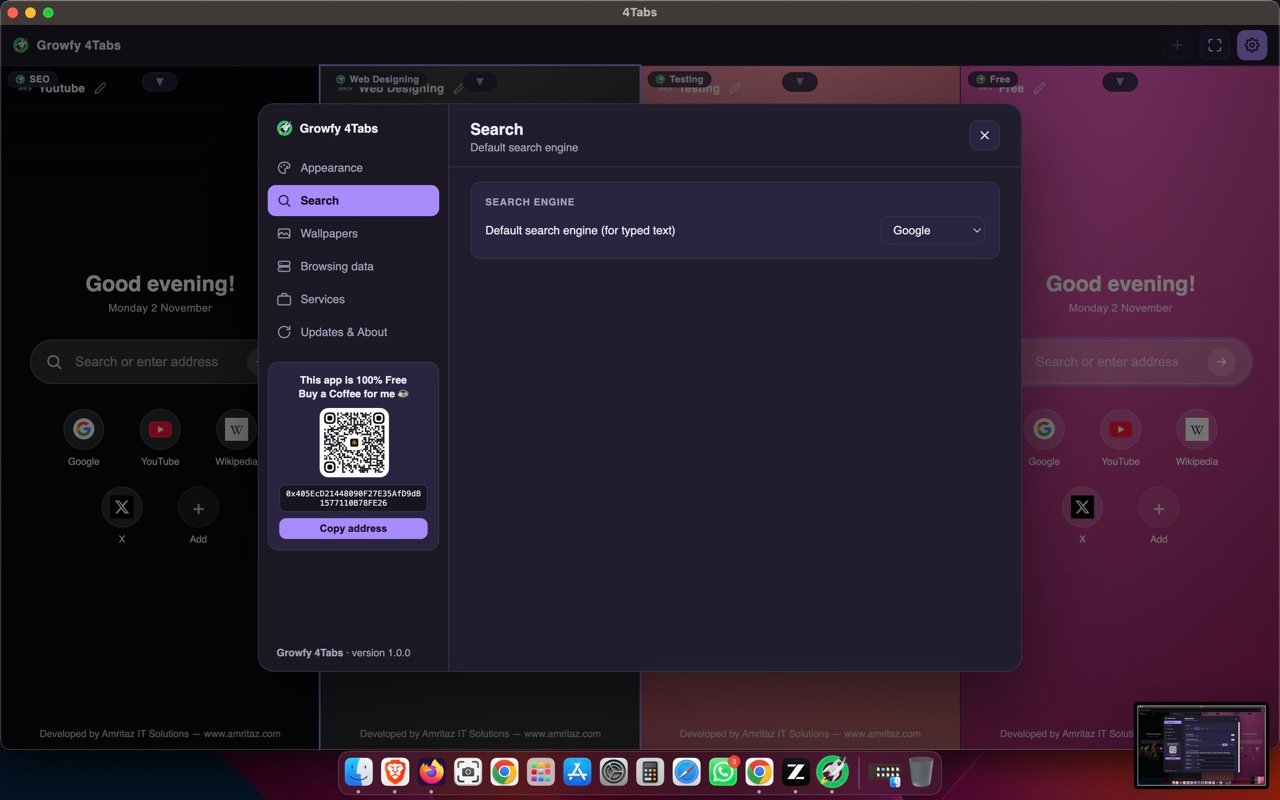
Browse Amritaz IT Solutions services right from Settings and enquire via WhatsApp.
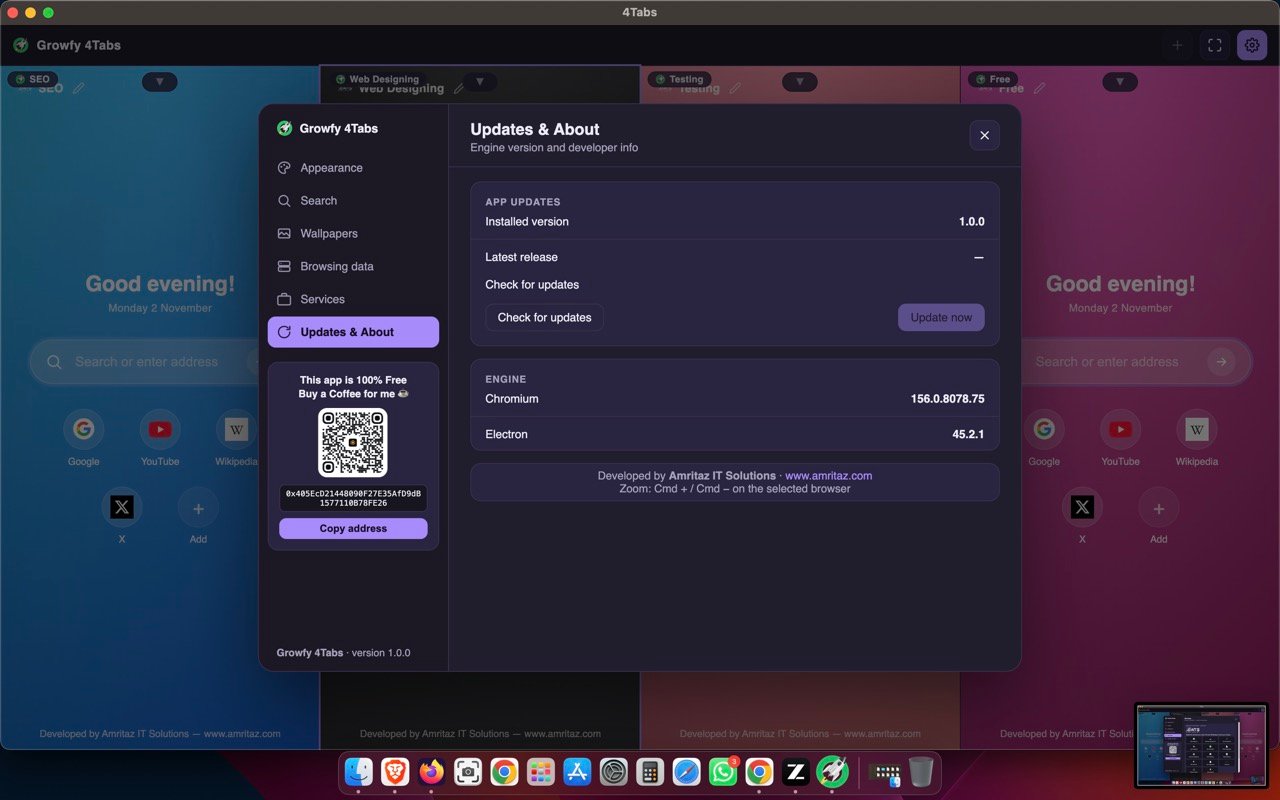
Auto-updates
The app checks for new versions on launch and tells you when one is ready.
See it in action
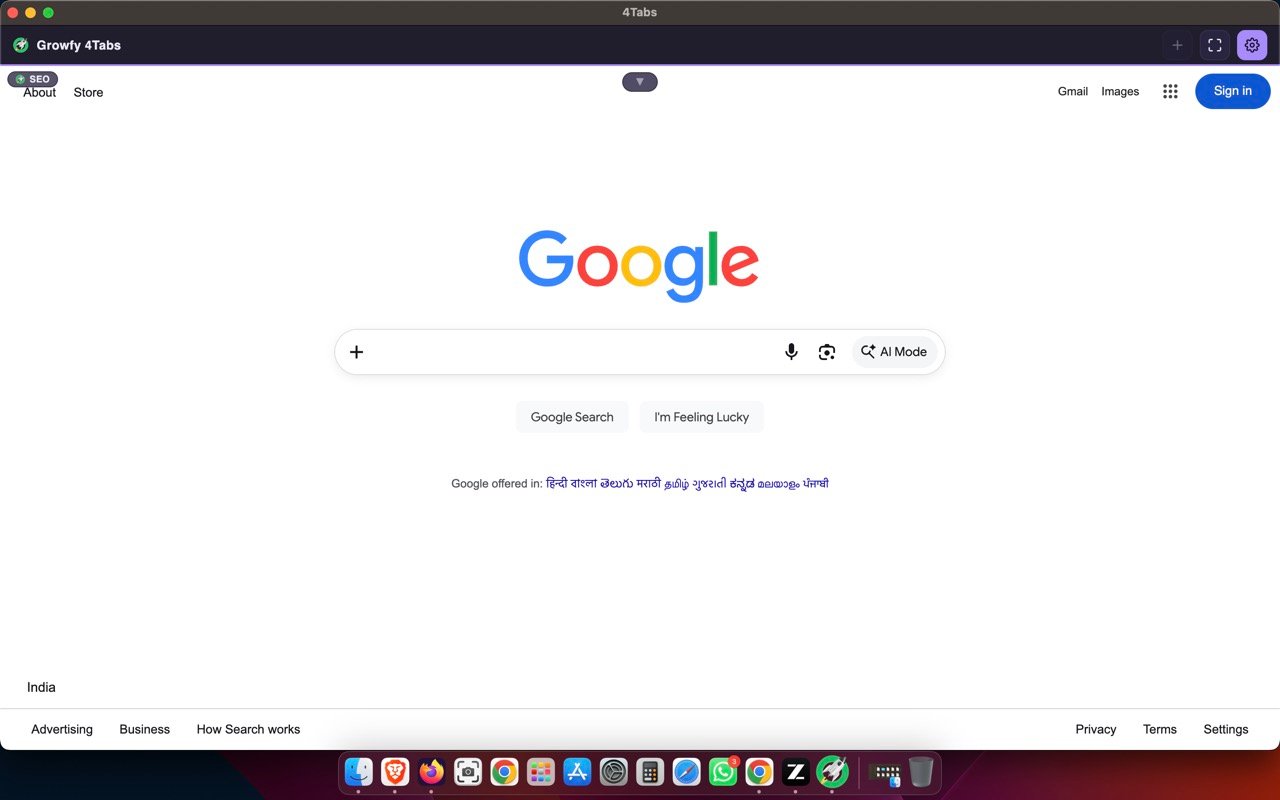
Real screenshots of the app running on macOS.
Buy me a coffee ☕
This app is 100% free. If it helps you, a small coffee keeps it growing.

BNB Smart Chain (BEP-20)
Download for Mac
Universal build for Intel and Apple Silicon (M1+) Macs — macOS 13+.
ℹ️ macOS may ask to confirm the first launch (right-click → Open) since the app isn't App-Store-notarized yet.